Turn your AI chat into a real training partner
Plug Gym Navigator into the assistant you already talk to every day. It plans your workouts, pulls real exercise and gym data, and keeps a log of what you actually lift. One URL. No new app to learn.
https://coach.gymnavigator.com/mcpWhy bother connecting it?
Most AI assistants are great at talking about training and useless at the actual data. They invent exercises. They guess at gyms. They forget what you did last week. This fixes all three. The coach gives your assistant a real exercise library, a directory of more than 36,000 gyms, and a private journal that remembers every session. You stay in the chat you already use. We handle the facts.
See the coach in action
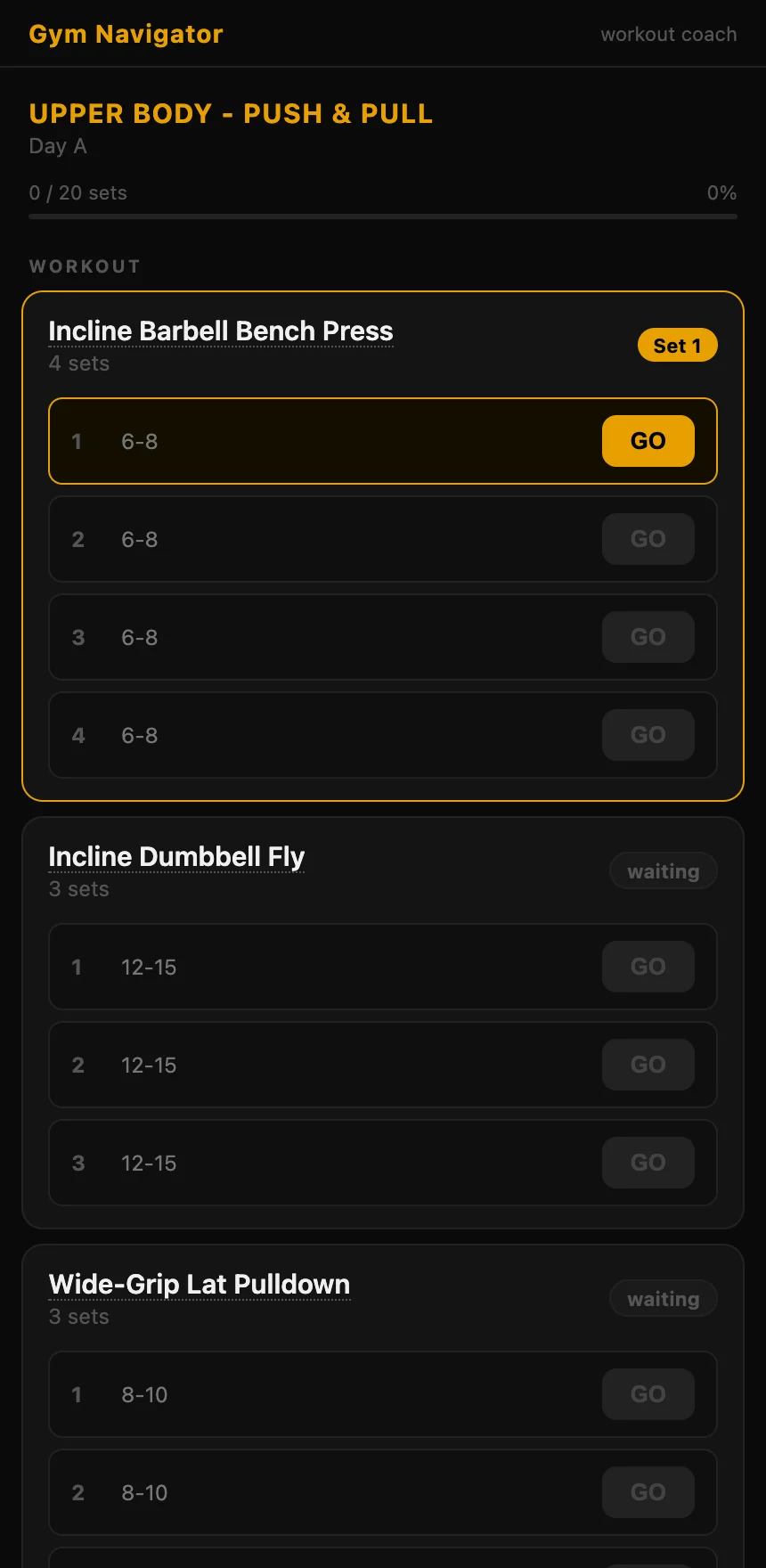
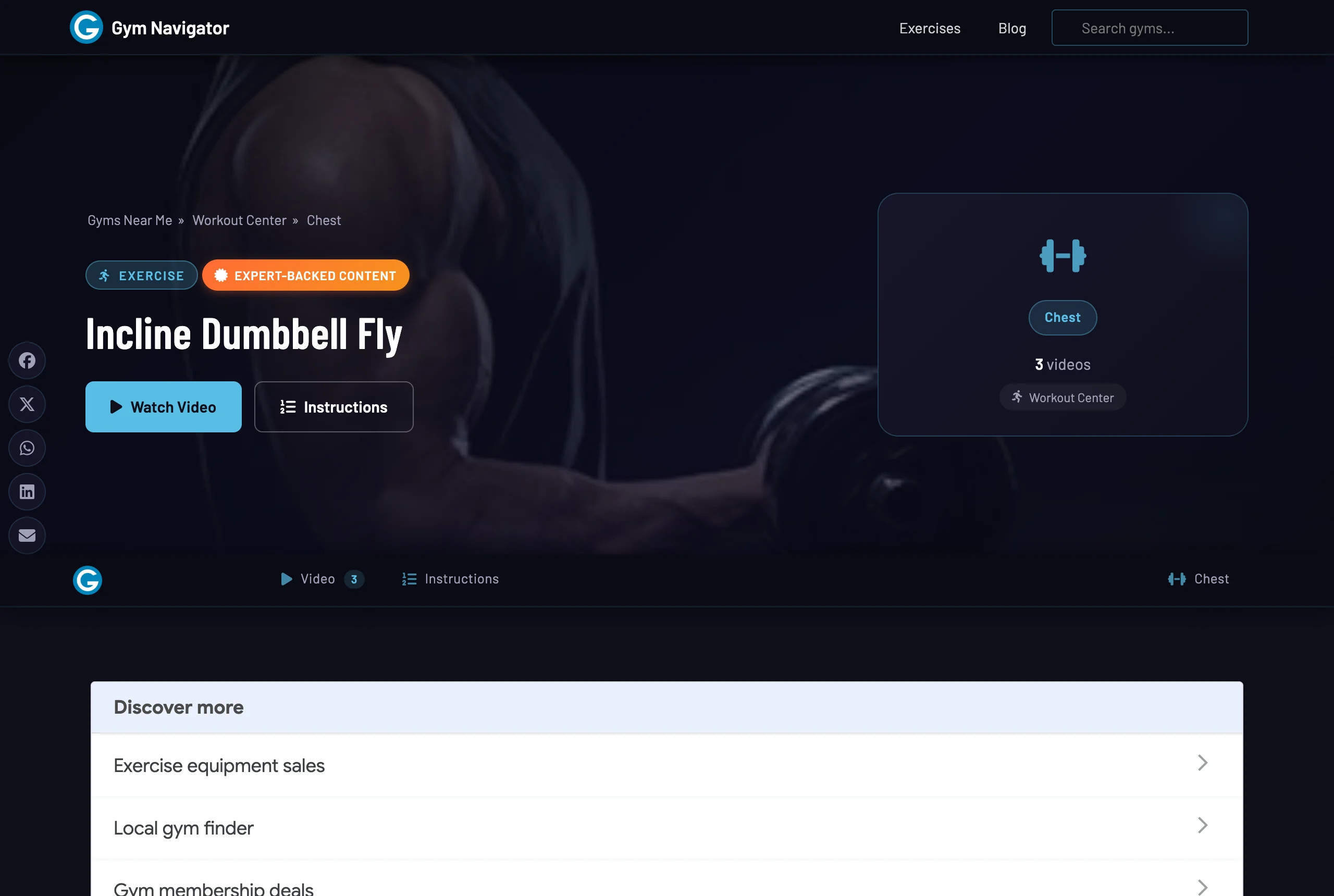
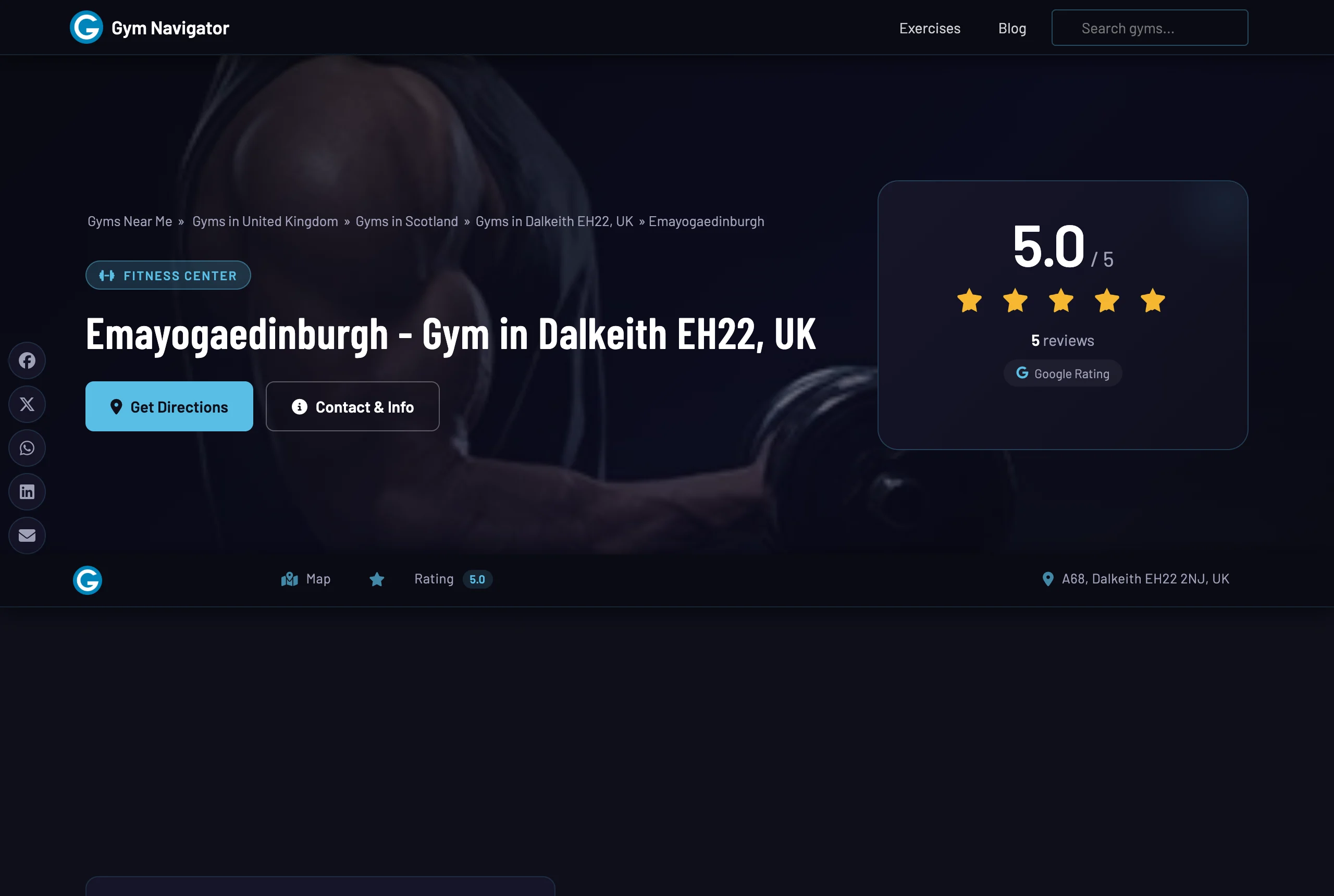
These are real Gym Navigator pages your assistant pulls from and builds - the interactive timer it hands you, the form guides it links, the gyms it finds. No mock-ups.
What it can do
8 tools, each with its own page and example prompts. Tap any one to see how it works and what to ask for.
Works with your favorite chat
Same connector, same URL, everywhere. Pick your assistant for step-by-step setup.
Your training journal stays yours
Here's the part I care about most. Connect Google and your journal is saved as one file in your own Google Drive, which you can open, edit, or delete whenever you like. Don't want to sign in? Skip it, and your assistant just holds the journal in the conversation. Gym Navigator runs no AI of its own and never stores your personal training data on our servers. That's not a setting you have to find. It's the default.
Common questions
Do I need a paid plan?
The connector is free. You need an assistant that supports custom connectors, like Claude or ChatGPT on a paid plan. The free tiers of most chats don't expose custom connectors yet.
Can it replace a coach?
No, and it won't pretend to. It's a fast way to plan, look things up, and track what you actually do. For form checks and injuries, see a qualified professional.
What if I use more than one chat app?
Add the same URL to each one. If you connect Google Drive, your journal follows you across all of them, so you can log on your phone and check progress on your laptop.
Ready to start?
Add the connector and ask your assistant to build your first plan.
https://coach.gymnavigator.com/mcp