Log a workout
Did the work? Log it. The coach records a completed session, sets, reps, and weight, to your training journal. Connect Google and it writes to a single file in your own Drive. Skip Google and the assistant holds the journal in the conversation's memory instead. Either way, the data is yours, not ours.
log_workoutWhat it does
- Records a completed session: date, exercises, sets, reps, and weight, plus optional notes.
- Writes to your own Google Drive when connected, as one file you control.
- In memory mode, returns the journal so the assistant can carry it forward in the chat.
Example prompts
You don't call the tool yourself. You just ask, in plain language, and your assistant works out the rest. Here's what that looks like:
Log today: bench 3x8 at 60kg, rows 3x10 at 40kg.
The coach calls log_workout with the date and those sets, then confirms it saved to your Drive journal (or kept it in memory if you skipped Google).
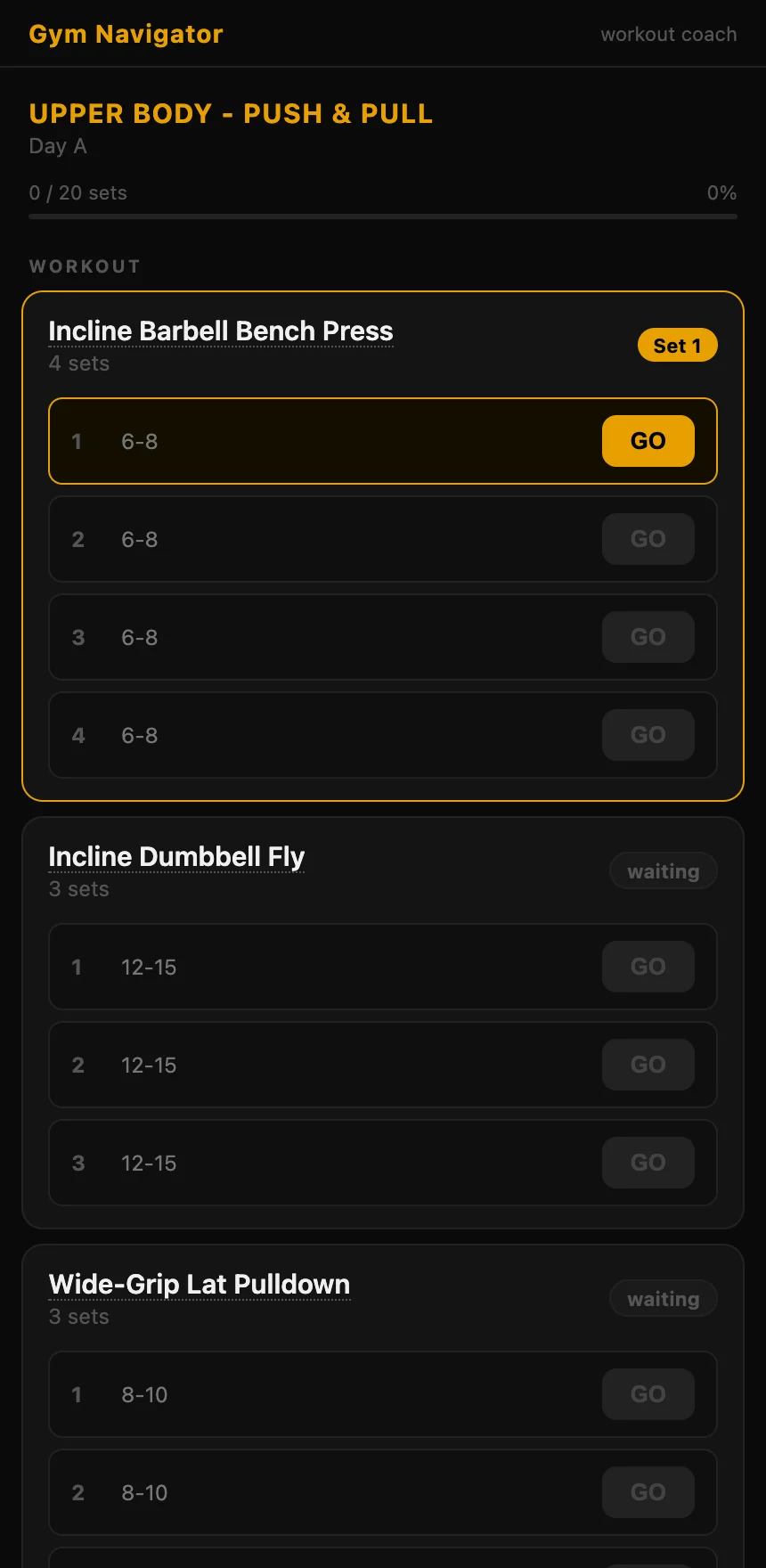
I just finished the plan you made, here's the summary it gave me.
Paste the timer summary and the coach logs the whole session in one shot.
Inputs
For the curious, here's what the assistant fills in behind the scenes when it callslog_workout:
daterequiredISO date, e.g. 2026-06-24.exercisesrequiredThe exercises you did, each with its sets (reps and weight).notesoptionalAnything worth remembering about the session.historyoptionalMemory mode only: the journal the assistant is holding, to merge into.Works in
This tool runs in any chat with the connector added:
Pairs well with
Every coach tool
Not connected yet?
Add the connector to your chat and try the prompts above.
https://coach.gymnavigator.com/mcp